Privacy
Your JSON stays on your device
Tool Kumar formats, converts and compares documents in your browser, and we never receive them. To learn which features help people, we use two analytics tools. This page lists everything they receive and lets you turn them off.
What happens to your documents
- Parsing, formatting, converting, comparing and downloads run in your browser. Opening a file reads it locally; nothing is uploaded.
- Your last document, the second document in Compare, the schema in the Schema view and your settings are kept in this browser’s local storage, so they are still there when you come back. Clearing the site’s data removes them.
- Load from URL, and a link that names a URL, fetch it straight from your browser. That server sees the request; we don’t.
- The Schema view validates in your browser. A schema that refers to another one on the web ($ref) lists its address, and that schema is fetched only if you ask, straight from your browser, without cookies. That server sees the request; we don’t. What is fetched stays in this tab, never saved or put in a share link.
- A share link, or a View in Tool Kumar link, carries the document in the part after
#. Browsers never send that part to a server, and our analytics remove it. - A site that opens a document in Tool Kumar for you hands it from its tab to ours, inside your browser. It never reaches our server.
- An AI agent in your browser, such as the one in ChatGPT’s desktop app, can use the JSON tool for you through named functions (WebMCP): open, check, repair, format, convert, compare, download or share a document. The functions run in your browser like the buttons do. What they return goes to that agent and its provider, under their privacy terms, as anything else the agent reads on the page does. It never reaches us.
What we never collect
- Anything inside your documents: text, keys, values or JSON paths
- What you type into Find, JSONPath queries or the type name for generated code
- File names, the URLs you load from and share links
- Original error messages, clipboard contents and exact document sizes
- Your IP address, once your approximate location has been looked up
What we measure
Vercel Web Analytics
Counts page views: the page’s path, the site you came from, your country and the kind of device and browser. It sets no cookies and stores nothing in your browser.
PostHog
PostHog shows us which features are used and where people get stuck. It receives:
- Page views and visits: the page’s path, the site you came from, your browser, operating system, screen size, language, time zone, the site’s language, light or dark theme, touch or mouse input and whether it runs as an installed app. Fragments and query parameters are removed from every URL, apart from
utm_campaign tags. - Approximate location: continent, country, region, city, postal code, latitude, longitude and time zone, where available. PostHog estimates these from your IP address, then discards the IP address. It may also include an accuracy radius and confidence scores for the estimates. This is an IP-based estimate, not your GPS location or an exact street address. We do not request your browser’s location permission.
- Feature use: the events in the table below, such as which view or Convert language you pick, which buttons you use and how a document arrived.
- The shape of a document, rounded: its size range (for example 10–100 KB) and its size rounded to two significant digits, how many values it has (as a range such as 1k–9.9k), how deeply it nests, how long it took to check, whether it is valid and, if it isn’t, the kind of error (for example “trailing comma”). Never the error message, because messages can quote your data.
- Speed and clicks: Core Web Vitals, and where on the page people click and move the pointer (heatmaps, positions only).
- Application errors: PostHog Error Tracking receives unexpected browser errors, unhandled promise rejections, React rendering failures and failures reported by our conversion, import, export and background processing code. Reports contain a standard error category, the part of the app that reported it, and available application script locations with line and column numbers. Every original error message is replaced with a fixed privacy message before sending. We remove arbitrary error details, function names, source snippets, local variables and error breadcrumbs. Reports can be linked to the same anonymous visit and its recording. Normal JSON validation errors are counted by category in the document events below.
- Screen recordings, described in the next section.
PostHog keeps a random ID in this browser’s local storage, so a return visit counts as the same visitor. It sets no cookies. There are no accounts, so the ID is never linked to a name or an email address.
Screen recordings, and what they cannot show
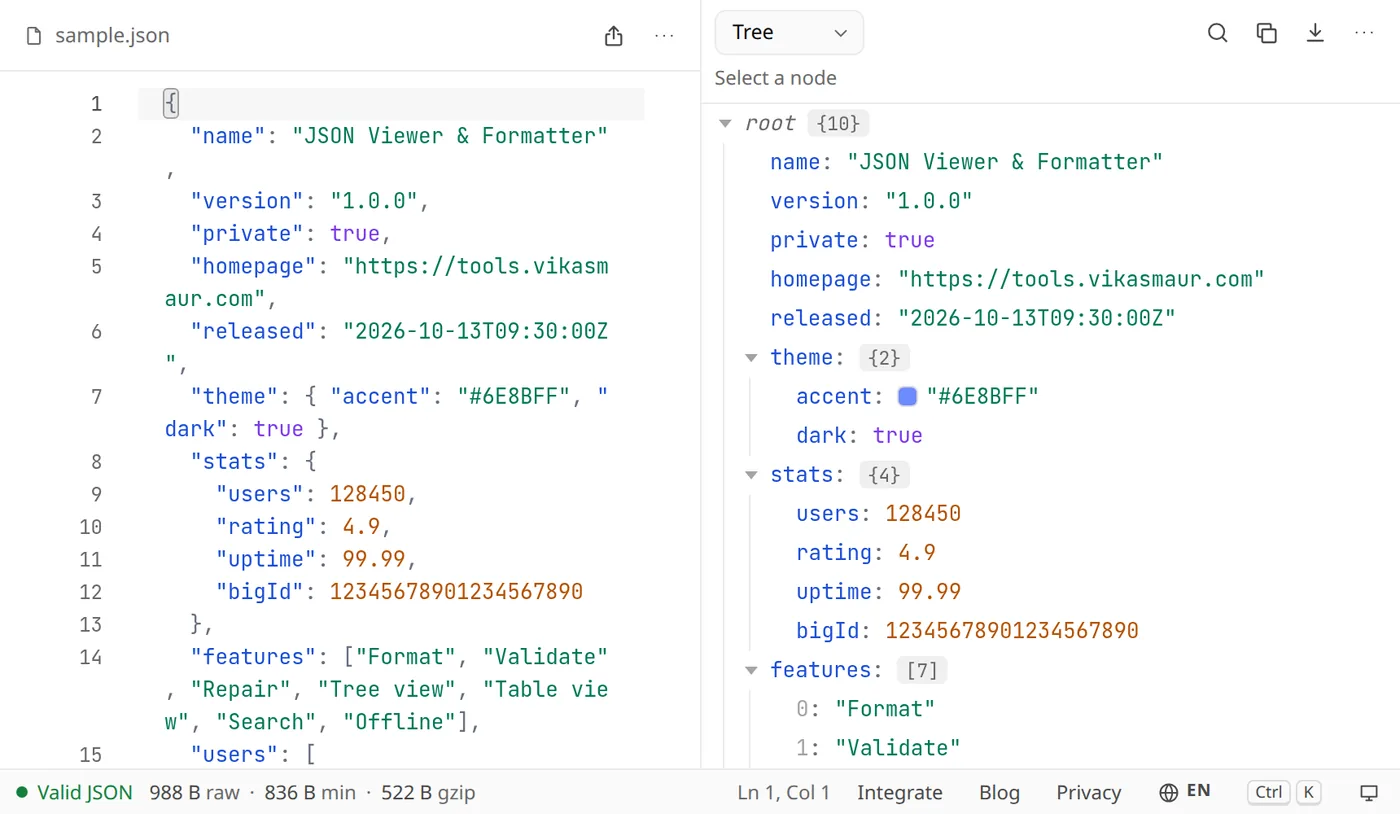
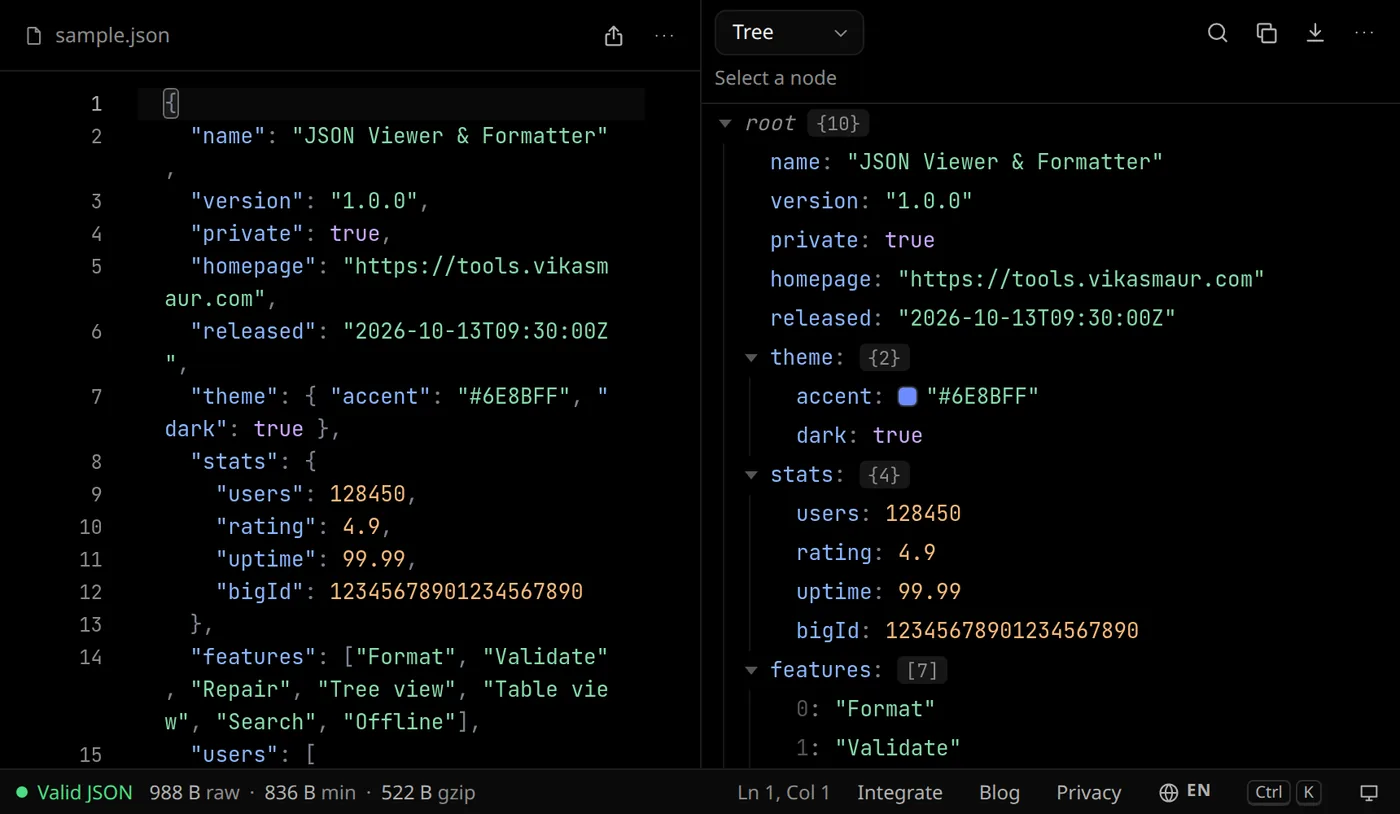
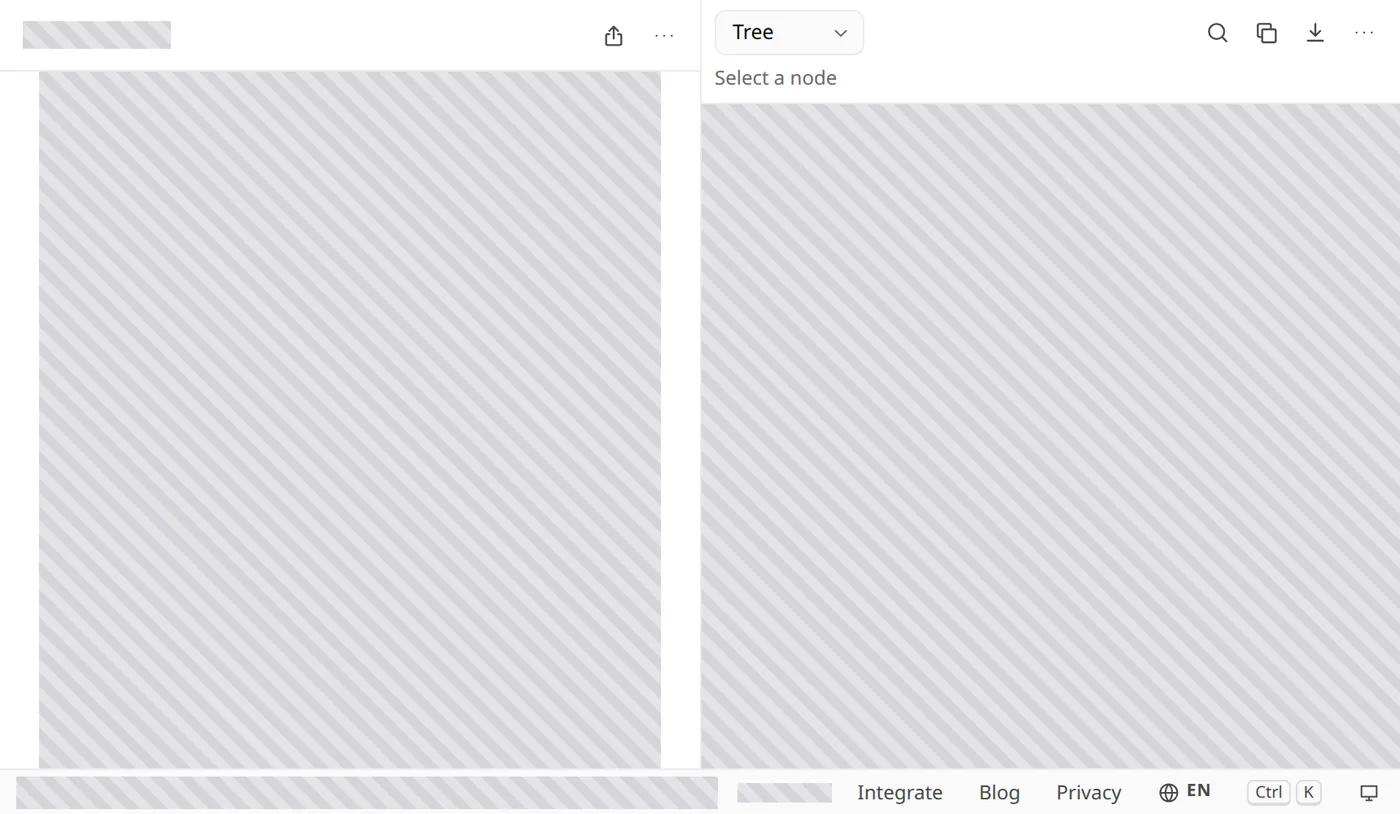
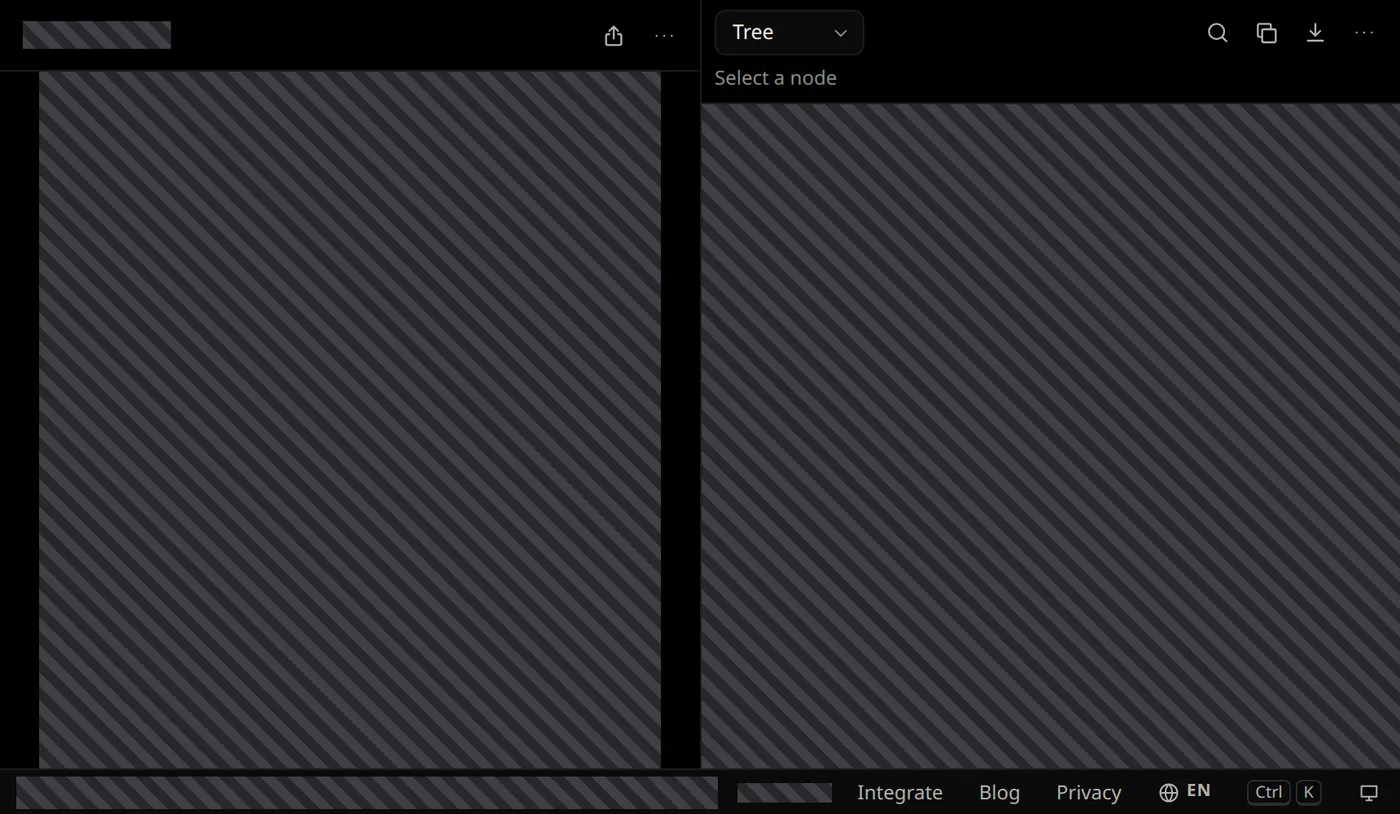
Recordings show us where the interface confuses people: what was clicked, how the panels were arranged, how far a page was scrolled. They are put together in your browser, and built so that they cannot contain your documents:
- Both editors, file names, the JSON path, the table location, the whole output area (formatted output, tree, table, graph, converted code and Compare) and everything that describes your document (error messages, sizes, line and node counts, the cursor position and notifications) are left out. They appear as empty boxes, and the recorder never reads inside them.
- Whatever you type into a field (search, URLs, names) is replaced with asterisks before anything leaves your browser.
- The site’s own text stays readable: buttons, menus, labels, tooltips and the articles and guides you read.
- Recordings contain no network requests, no console messages and no canvas drawings.
Every event, and what it carries
These are all the feature events the site sends to PostHog. The table is built from the code that sends them. Every value is a feature name, a choice from a fixed list, a yes or no, or a rounded number. Error Tracking also sends $exception events with the limited details described above.
| Event | Sent when | Carries |
|---|---|---|
json_loaded | A document arrives in an editor (pasted, opened, dropped, loaded from a URL, opened from a link, handed over by another site, or the sample), once it has been checked (or, without its size and validity, when another document replaces it first). | how it arrived, which editor, file type from the extension, size range, size, 2 significant digits, valid, fixable or invalid, error category, number of issues, as a range, number of values, as a range, nesting depth, check time, 2 significant digits, is JSON Lines, is a JWT, read as JSON, YAML, CSV, XML or TOML |
view_opened | You open Format, Tree, Table, Graph, Convert, Compare or Schema. | view, mouse, keyboard, palette, right-click menu or AI agent, language |
convert_target_selected | You pick a Convert language or format. | language, types or data, mouse, keyboard, palette, right-click menu or AI agent |
convert_option_changed | You change a Convert option: TypeScript interface or type, the C# JSON library, or a Flatten option (the separator when you pick one of the listed ones, array indexes, escapes, depth). The root type name and a separator you type are never sent. | which option, chosen value from a fixed list |
format_option_changed | You change the output style, key sorting or indentation. | which option, chosen value from a fixed list |
feature_used | You use a feature: copy, download, share (as a link or a Markdown or HTML button), repair, find, expand or collapse, wrap lines, theme, graph fit, zoom and jumps to its start or end, graph image export (PNG, JPEG or SVG) or copy, opening the right-click menu (which area it opened in), reading the input as JSON, YAML, CSV, XML or TOML, a CSV option (which separator, header row or typed values on or off), in the Schema view a check of a document against a JSON Schema (once each time the view opens: whether the document was valid and the number of errors, rounded; never the document, the schema or the messages), generating a schema, checking formats on or off, and similar. | which feature, mouse, keyboard, palette, right-click menu or AI agent, view, fold level, or in the Schema view the number of errors (2 significant digits), on or off, query starts with $, chosen value from a fixed list |
command_run | You run a command from the command palette (its fixed ID, such as to-typescript). | command ID |
agent_tool_used | An AI agent in your browser uses one of the JSON tool’s functions for you. What it sent and what it got back are never included. | which function, whether it did what was asked |
huge_opened | A file too big for the editor opens in large-file mode, once it has been indexed (or stopped, or replaced by another document first). Its name, content and exact size are never included. | how it arrived, file type from the extension, size range, indexed, stopped at an error, cancelled or replaced, is JSON Lines, indexing time, 2 significant digits, large-file mode forced for testing |
huge_command | A large-file command (Pretty, Minify, JSON Lines, JSON array, CSV, Split or Extract) finishes, fails or is stopped. Where it wrote is one of four fixed kinds; the file’s name and content, the names it wrote, the fields and values you filtered on and the exact size are never included. | which command, whole file or selected value, finished, failed or stopped, save dialog, folder, download or zip, compressed output, size range, time taken, 2 significant digits, filtered by conditions |
huge_shape | The Shape panel finishes reading a large file (or is stopped). How many paths it found is sent as a range; the paths themselves, their types, counts and values are never included. | whole file or selected value, finished, failed or stopped, size range, time taken, 2 significant digits, number of paths, as a range |
huge_gz | A compressed .json.gz or .jsonl.gz file is opened (decompressed in your browser), with how it ended. Its name, content and exact size are never included. | opened in the editor, opened as a large file, failed, stopped or not enough space, compressed size range, time taken, 2 significant digits |
huge_edit | A large file is edited: the kind of edit (set a value, rename, delete, insert, duplicate, edit as text, typing in the Format view, undo, redo, restore) and where it was asked from (tree, table, graph, Format view, menu, keyboard, toolbar, palette, banner). The values, names and paths are never included. | op, from |
huge_save | A large file is saved: how (in place, as another file, or downloaded), how it ended (saved, stopped, failed, or nothing written because the file picked wasn’t the one opened, writing to it wasn’t allowed, or the opened file had changed), how long it took and its size as a range. Its name and content are never included. | how, indexed, stopped at an error, cancelled or replaced, size range, time taken, 2 significant digits |
schema_refs_fetched | In the Schema view, you ask to fetch the schemas your schema refers to on the web: how many were asked for, fetched and failed, each as a range. The URLs, their sites and the schemas are never included. | schemas asked for, as a range, schemas fetched, as a range, schemas that failed, as a range |
Where the data goes
Your browser sends analytics through this site to Vercel and PostHog Cloud US (stored in the United States). PostHog requests are not compressed: they are plain JSON, except the few sent as a page closes, which are base64-encoded JSON. You can read every one of them in your browser’s developer tools. The secure JSON formatter guide shows how to check that a marker you paste never appears in a request. We use this data only to improve Tool Kumar. We don’t sell it, share it with advertisers or use it for ads.
Turning analytics off
Use the switch at the top of this page. It applies to this browser until you clear the site’s data, and it stops both tools: PostHog isn’t loaded at all and Vercel counts nothing. In the JSON tool, the same choice is Privacy mode in the command palette (Ctrl+K, or ⌘K on a Mac). If your browser sends Global Privacy Control or Do Not Track, PostHog never loads, without you doing anything.
Last updated .